Friday
Windows , stuck at recovery due to CrowdStrike, but there’s a fix
Sunday
Password Breach Alert! Protect Yourself with Dark Web Monitoring & Strong Password Tips
Fortress of Secrets: Monitoring the Dark Web for Password Breaches and Keeping Your Accounts Safe
In today's digital age, the security of your online accounts is more crucial than ever. With cybercriminals constantly evolving their tactics, it’s essential to stay one step ahead to protect your sensitive information. One of the most alarming threats is the breach and distribution of passwords on the dark web. Here at Fortress of Secrets, we prioritize your security by monitoring these hidden corners of the internet and providing you with tips to keep your accounts safe. Here’s how we do it and what you can do to enhance your security.
Monitoring the Dark Web for Password Breaches
Understanding the Dark Web The dark web is a part of the internet that isn’t indexed by standard search engines. It requires specific software to access, and it’s a notorious marketplace for illicit activities, including the sale of stolen passwords. Cybercriminals use the dark web to buy and sell login credentials, which can then be used for identity theft, financial fraud, and other malicious activities.
Monday
Protecting Yourself on Public Wi-Fi: Some Essential Tips
Stay Safe on Public Wi-Fi: Top Tips for Travelers
Public Wi-Fi is a traveler's best friend for staying connected, but it can also be a hacker's playground for stealing your information. Here's how to stay safe when using public Wi-Fi, according to cybersecurity experts.
1. Connect Only When Necessary
If you have mobile data, use it instead of public
Wi-Fi (like the one someone might find at a crowded train station).
Public Wi-Fi is for situations when you absolutely need to be online and don't have another option.
Saturday
Google Chrome's Entrust Certificate Block: A Deeper Dive with Implications
The Breakdown:
- Google's Distrust: In November 2024, Chrome will stop trusting certificates issued by Entrust, a leading certificate authority (CA). This means Chrome will no longer recognize Entrust certificates as valid for verifying website identities and securing connections.
- Why the Distrust?: Google cites concerns about Entrust's adherence to security standards and their responsiveness to reported security issues. Publicly disclosed incidents suggest a pattern of concerning behavior by Entrust, leading Google to question their overall competence and reliability in maintaining a secure web environment.
Phishing and Social Engineering: Protecting Yourself from Fraudulent Emails and Scams
Phishing and social engineering are common tactics used by hackers and cybercriminals to steal personal information and gain unauthorized access to computer systems. They can take many forms, including email scams, phone scams, and text message scams. Understanding how these tactics work and how to protect yourself from them is essential to staying safe online.
Phishing is a type of scam where hackers send emails, text messages, or make phone calls pretending to be a legitimate organization, such as a bank, in order to trick you into providing sensitive information such as passwords or credit card numbers. These emails often contain links to fake websites that look like the real thing, but are designed to steal your information.
Protecting Your Business from Distributed Denial of Service (DDOS) Attacks: Types, Detection, and Solutions
A Distributed Denial of Service (DDOS) attack is a malicious attempt to disrupt the normal functioning of a server, website or network by overwhelming it with a huge amount of fake traffic from multiple sources. The objective of a DDOS attack is to make the target unavailable to its intended users, thus disrupting normal business operations.
Wednesday
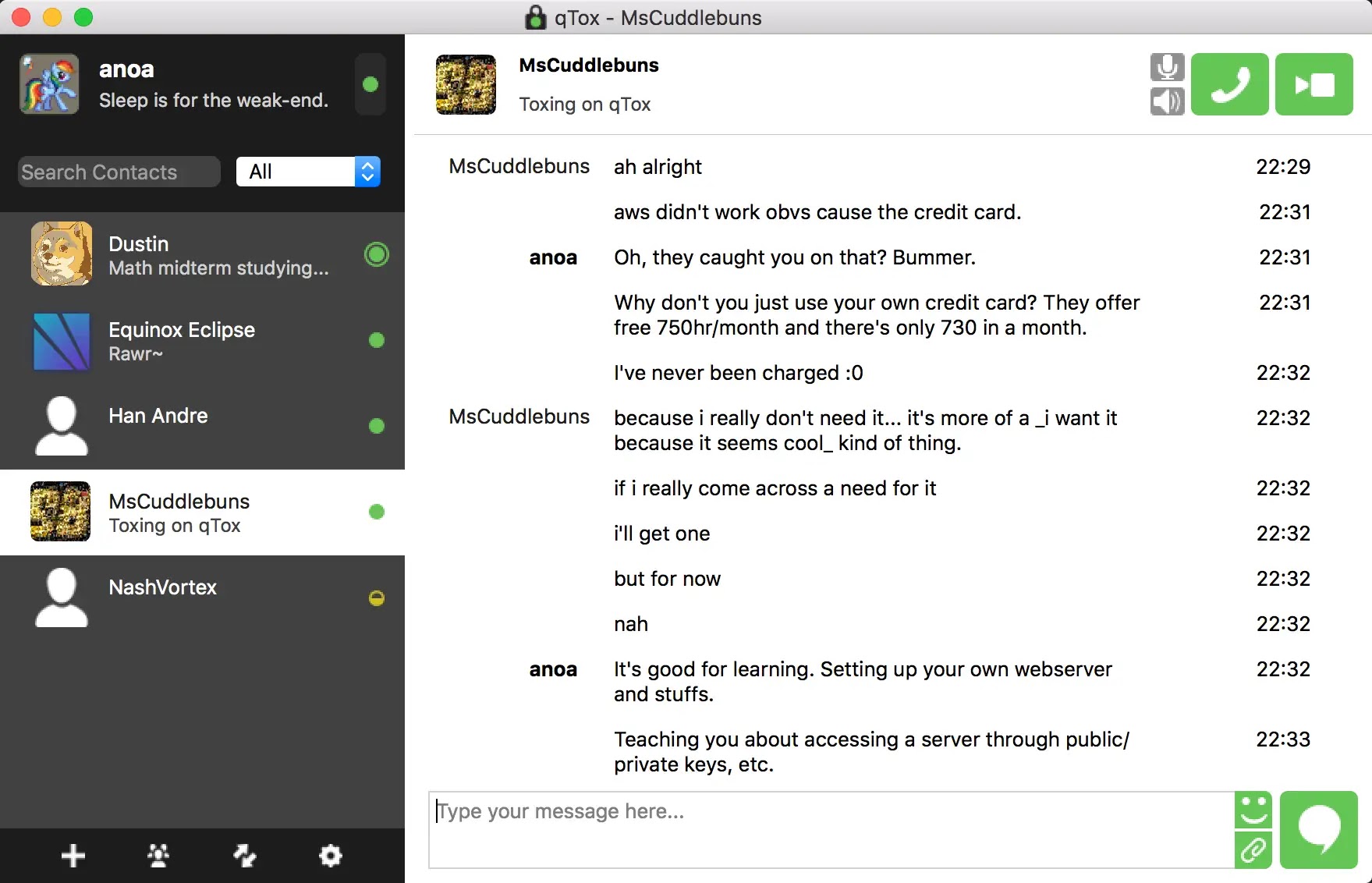
Qtox: The Secure and Feature-Rich Tox Client for Privacy-Conscious Users
![]() |
| image from @tox.chat |
Tox is a free, open-source, decentralized and encrypted instant messaging and voice over IP (VoIP) platform designed to protect users' privacy and security. It operates on a peer-to-peer network, meaning that no central authority controls the data exchange between users.
One of the implementations of Tox is qTox, which is a cross-platform client for the Tox protocol. It is a free, open-source and privacy-focused software that allows users to communicate securely without the need for a centralized server.
qTox offers a number of features that make it a secure and trustworthy choice for instant messaging and VoIP.
OTR: A Secure Protocol for Private Instant Messaging Communication
OTR (Off-the-Record) is a cryptographic protocol used for secure instant messaging. The main goal of OTR is to provide secure and private communication for instant messaging applications, such as AOL Instant Messenger, Facebook Chat, and Google Talk.
OTR uses a combination of symmetric-key cryptography, public-key cryptography, and hash functions to encrypt messages and ensure that they can only be read by the intended recipient. The protocol also provides authentication and integrity checking to verify the identity of the sender and to prevent tampering with the message.
Monday
Why is Your VPN Slowing Down Your Internet Connection and How to Fix It
A Virtual Private Network (VPN) can slow down your internet connection for several reasons, including:
Distance from the VPN server: If the VPN server is far away from your location, it can cause latency and slow down your internet connection. The further the VPN server is, the longer it takes for your device to send and receive data, resulting in slower internet speeds.
Encryption overhead: VPNs encrypt your data before transmitting it over the internet, adding an additional layer of security. However, this encryption process requires processing power, which can slow down your internet connection.
Server load: If the VPN server is experiencing high traffic, it can slow down your connection as the server struggles to keep up with the demand.
Sinkhole Attacks: Understanding the Threat and Preventative Measures
A sinkhole attack is a type of cyber attack that involves redirecting internet traffic from its intended destination to a fake or "sinkhole" server. The attacker does this by compromising the domain name system (DNS) servers and altering the IP addresses for a specific website or network.
Method:
- The attacker identifies the target network and DNS servers.
- They then alter the IP address of the target website or network, redirecting traffic to a fake server controlled by the attacker.
- The attacker is then able to monitor, modify, or block the redirected traffic.
Saturday
Understanding ARP Spoofing: What it is and How to Protect Your Network
ARP (Address Resolution Protocol) is a protocol that is used to map an IP address to a physical (MAC) address on a local network. It is an essential component of the Internet Protocol (IP) network, as it allows devices on a network to communicate with each other by resolving IP addresses to MAC addresses.
When a device on a network wants to communicate with another device, it sends an ARP request to the network, asking for the MAC address of the device with the corresponding IP address. The device with that IP address then sends an ARP reply, which includes its MAC address. The requesting device then updates its ARP cache with the information from the ARP reply.
ARP is a broadcast protocol, meaning that ARP requests and replies are sent to all devices on a network, rather than just the target device. This allows ARP to work on networks with multiple devices, even if the devices are not aware of each other's existence.
DNS Hijacking: Understanding the Threat and How to Protect Yourself
DNS (Domain Name System) hijacking is a type of cyber attack in which an attacker redirects a victim's internet traffic to a malicious server. This is done by manipulating the DNS settings on the victim's device, router, or network, causing the device to connect to the attacker's server instead of the intended website.
One of the most common ways that attackers perform DNS hijacking is by compromising the victim's router. This can be done by guessing or cracking the router's login credentials, or by exploiting known vulnerabilities in the router's firmware. Once the attacker has access to the router, they can change the DNS settings to point to a malicious server that they control.
Understanding CAPTCHA: What it is, How it Works and Its Drawbacks
CAPTCHA (Completely Automated Public Turing test to tell Computers and Humans Apart) is a type of challenge-response test used to determine whether or not the user is a human. The most common form of CAPTCHA is an image of distorted or obscured text that a human must correctly identify in order to prove their humanity.
CAPTCHAs are used to prevent automated bots or programs from accessing or performing actions on a website. This is important for a variety of reasons, including preventing spam, protecting online polls from manipulation, and maintaining the integrity of online contests.
Zero Trust Architecture: Rethinking Security for the Modern Enterprise
What Is Zero Trust Architecture? A Complete Guide for Modern Enterprises In today’s increasingly complex and hybrid IT environments, trad...
-
What Is Zero Trust Architecture? A Complete Guide for Modern Enterprises In today’s increasingly complex and hybrid IT environments, trad...
-
Cloud-Based MLOps Tools: A Comprehensive Guide Machine Learning Operations (MLOps) is essential for scaling AI and ML models in production...
-
Open-Source AI Stack: Essential Tools for Building AI Solutions As artificial intelligence (AI) continues to shape industries, open-source...